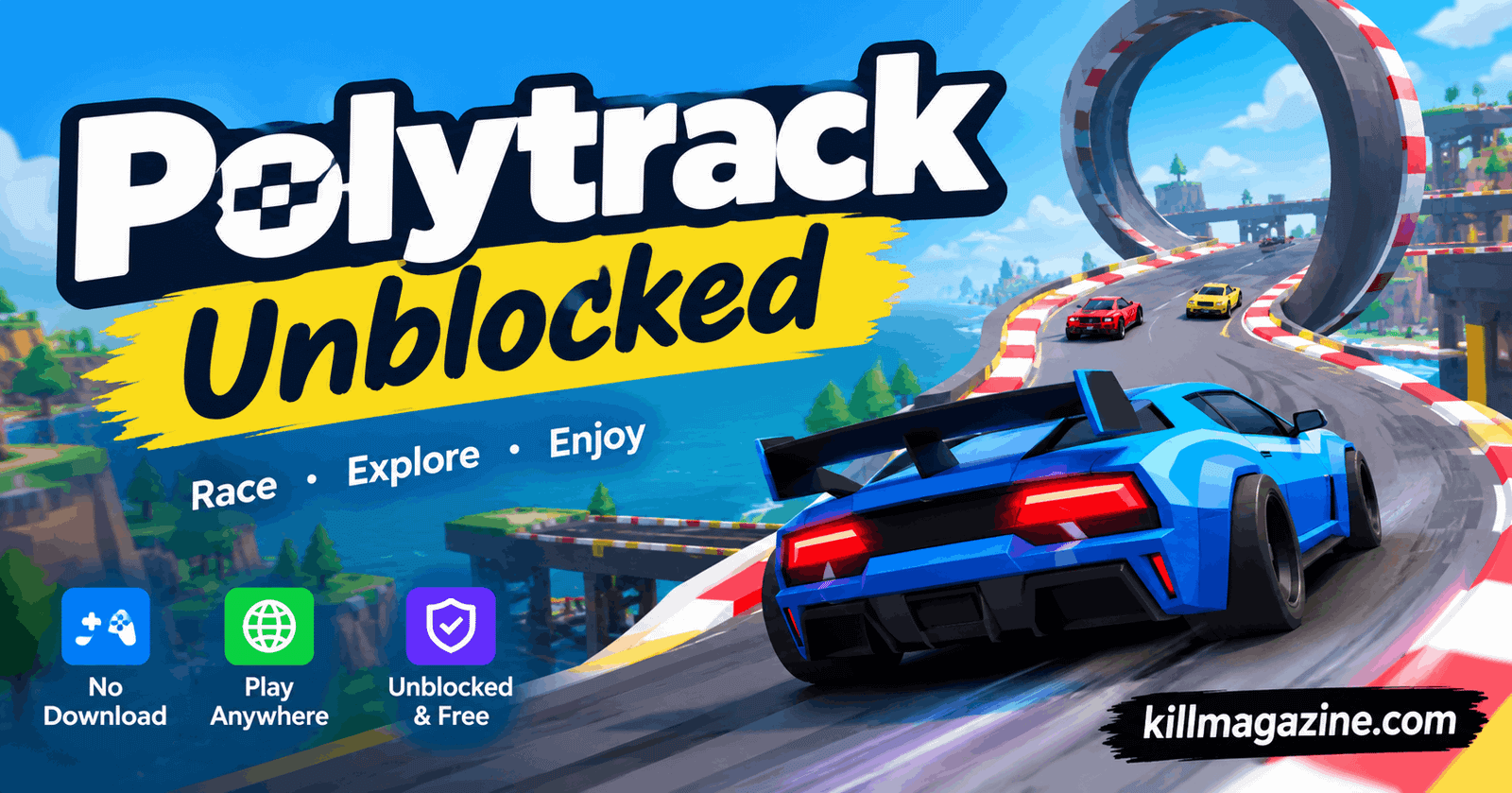
Polytrack unblocked has quickly become one of the most searched browser racing games online, and it is easy to see why. It combines fast, skill-based driving with a simple low-poly art style, a built-in track editor, and zero cost to play. Whether you are stuck at school with a locked-down network, taking a break at the office, or just looking for a fun racing game that loads instantly without a download, Polytrack is built exactly for that moment.
This guide covers everything you need to know about Polytrack unblocked — what the game is, who made it, how to play it, its controls, tips to get faster lap times, how track codes work, version history, safety for kids, common problems and fixes, and where to find the community. It is written to be the single most complete resource you will find on the topic.
What Is Polytrack?
Polytrack is a fast-paced, low-poly time-trial racing game developed by Kodub and released on August 1, 2024. The game draws clear inspiration from the legendary TrackMania series, but strips things down into a lightweight, browser-friendly package that runs smoothly on almost any device.
Instead of realistic graphics, Polytrack uses a clean, colorful, low-poly art style. That choice is not just aesthetic — it is also what allows the game to run so smoothly in a browser tab, even on older laptops, budget Chromebooks, and mobile devices with modest hardware. You control a small, blocky racing car and try to complete a track as quickly as possible, chasing your own best time (and the times of other players around the world).
What really sets Polytrack apart from typical free racing games is the built-in track editor. Players are not limited to official maps — they can design their own tracks piece by piece, test them, and share them with the rest of the community using a simple track code. This turns Polytrack from a one-time racing game into an ongoing creative platform with new content appearing every single day.
Polytrack has also been recognized by FamilyGamingDatabase as a strong choice for families, rated suitable for ages 4 and above, which makes it one of the more kid-friendly options in the free browser racing genre.
Polytrack Unblocked Gameplay
At its core, Polytrack unblocked is a single-player time-trial racing game. There is no combat, no weapons, and no violence — just you, the car, and the clock. Your objective on every track is simple: reach the finish line as fast as possible while staying on the road.
The game offers three main modes:
- Race Mode — Pick an official track or a community-made track and race against the clock.
- Track Editor — Build your own custom track using ramps, loops, jumps, and curves, then test and publish it.
- Customize — Adjust your car’s paint color, secondary color, frame color, and wheel rims.
Polytrack currently features three environments — Summer, Winter, and Desert — each with its own visual identity and its own set of official and community tracks. Importantly, the environment only changes the scenery; your car’s speed, grip, and handling stay exactly the same no matter which theme you are racing in.
The game also includes global leaderboards, so you can compare your best lap times with racers from all over the world. Combined with tight, responsive physics that are easy to learn but hard to fully master, this competitive layer is a big part of why people keep coming back to Polytrack unblocked again and again.
You can play Polytrack directly in your web browser on desktop, laptop, tablet, or mobile — no installation required.
How to Play Polytrack Unblocked
Getting started with Polytrack unblocked takes only a few seconds. When the game loads, you will see a main menu with options to race, build tracks, or customize your car.
- Pick a track from the official map list or the community tracks section.
- Your timer starts the moment your car begins moving.
- Drive from start to finish while keeping your speed as high as possible and hitting corners cleanly.
- If you crash or go off-track, hit restart instantly — there is no penalty for restarting as many times as you want.
- Once you feel confident, open the Track Editor and start designing your own course.
Because restarts are instant and free, the fastest way to improve in Polytrack is simply to repeat a track over and over, shaving off fractions of a second each run.
Polytrack Controls
| Key | Action |
|---|---|
| W / Up Arrow | Accelerate |
| S / Down Arrow | Brake / Reverse |
| A / Left Arrow | Steer Left |
| D / Right Arrow | Steer Right |
| R | Restart / Respawn |
| V | Toggle Camera (First-Person / Third-Person) |
| Escape | Pause / Menu |
A quick pro tip: if your keyboard input stops responding, click directly on the game window first. Browsers sometimes need the game to be in focus before they will register key presses.
Tips and Tricks for Polytrack
Once you understand the basic controls, these tips will help you shave real time off your laps:
- Hit the inside of every corner. Clipping the inner edge of a turn saves distance on every corner, and those small savings add up over a full lap.
- Keep your tyres on the ground. Your car does not accelerate while airborne, so land jumps as quickly and cleanly as possible.
- Brake before the corner, not during it. Slow down just before entering a tight turn, then get back on the throttle as you exit.
- Restart without hesitation. The moment a lap goes wrong, hit restart. Practicing a clean lap is always more valuable than finishing a messy one.
- Watch your ghost. Polytrack shows a replay of your own best run — use it to spot exactly where you’re losing time.
- Learn the layout first, then push for speed. Your first lap on any track should be about memorizing corners and jumps, not setting records.
- Spend time in the Track Editor. Building tracks teaches you how ramps, loops, and curves behave, which makes you a smarter and faster racer overall.
Polytrack Track Codes: How They Work
One of the best features of Polytrack unblocked is the ability to share custom-built tracks using a track code — a short string of text containing all the data needed to load someone else’s creation instantly.
How to use a Polytrack track code:
- Open Polytrack unblocked in your browser.
- Go to the Community Tracks section from the main menu.
- Find the field to enter a track code.
- Paste or type in the code.
- Confirm, and the track loads immediately, ready to race.
Track codes circulate widely on Reddit, Discord, and other community forums, with new creations appearing daily. If you build a track you’re proud of, sharing the code is the best way to get feedback and see how fast other players can complete it.
Polytrack Version History and Updates
Polytrack has grown steadily since its original release in August 2024, with developer Kodub adding new environments and features over time.
| Version | What Changed |
|---|---|
| 0.1 (August 2024) | Original release — core racing mechanics, track editor, car customization, first Summer tracks |
| 0.2 – 0.3 | Physics and control refinements, improved track editor, global leaderboards introduced |
| 0.4 | Added the Winter environment with snowy official and community tracks |
| 0.5.0 (Latest) | Added the Desert environment, plus new official and community tracks across all themes |
The game currently includes 7 Summer, 4 Winter, and 4 Desert official tracks, along with hundreds of community-created tracks spread across all three environments. Development is ongoing, so new environments and features are expected in future updates.
Polytrack vs TrackMania: What’s the Difference?
Since Polytrack was clearly inspired by TrackMania, a lot of players want to know how the two compare. Here’s a side-by-side breakdown:
| Feature | Polytrack | TrackMania |
|---|---|---|
| Price | Completely free | Requires paid subscription for full features |
| Graphics | Clean, simple low-poly style | Realistic, high-detail graphics |
| Access | Runs directly in browser, no download | Requires download and installation |
| Devices | Desktop, laptop, tablet, mobile | Mainly PC |
| Track Editor | Simple and beginner-friendly | Advanced but more complex |
| Community | Newer, growing fast | Larger, more established |
If you want a premium simulation experience and don’t mind paying, TrackMania is a strong option. But if you want instant, free fun with zero setup, Polytrack unblocked is hard to beat.
Sharing Your Polytrack Track
Built something you’re proud of? Sharing it with other players is simple:
- Open the Track Editor from the main menu.
- Build your track, connecting pieces from start to finish.
- Test-drive it to confirm every section works.
- Save your track once you’re happy with it.
- Click Share to generate a unique track code.
- Copy the code and post it anywhere — a comment, Discord, Reddit, or directly to a friend.
Before sharing, always test your track fully. Make sure the start and finish gates are properly connected and every jump is landable — a broken track isn’t fun for anyone.
Polytrack on Chromebook and Mobile
Polytrack unblocked works well on Chromebooks since the game runs entirely inside the browser — all you need is Google Chrome, which comes pre-installed on every Chromebook. No Linux mode, no APK, no extensions required.
It also works on iPad and Android tablets using Safari or Chrome. Touch controls let you tap the sides of the screen to steer, with on-screen buttons for acceleration and braking. For the best experience on tablet:
- Use landscape mode for a wider view of the track.
- Stick to Chrome or Safari for the smoothest performance.
- Close background apps to free up memory.
- Connect a Bluetooth controller if you have one for tighter control.
Polytrack Speedrun Guide
If you want to climb the leaderboard, speedrunning Polytrack unblocked comes down to precision and consistency rather than raw aggression:
- Learn the track first — memorize every corner and jump before pushing for speed.
- Use the ghost — race against your own best run and see exactly where time is lost.
- Find the racing line — enter wide, clip the inside of the corner, and exit wide.
- Brake before the corner, not inside it — braking mid-turn kills momentum.
- Minimize air time — your car doesn’t accelerate while airborne, so land quickly and cleanly.
- Restart without hesitation — never try to salvage a bad lap.
- Break the track into segments — perfect one section at a time instead of the whole lap at once.
- Stay consistent — a clean, slightly slower lap almost always beats a fast lap full of mistakes.
Is Polytrack Multiplayer?
Polytrack does not have real-time, side-by-side multiplayer — it is built as a single-player time-trial experience. However, it uses a ghost racing system: when you race a track, you’re shown a replay of another player’s best lap, letting you see exactly where they gained or lost time.
Combined with global leaderboards and shareable track codes, this creates an indirect but genuinely engaging sense of competition, even without live multiplayer.
Car Customization
Before hitting the track, you can personalize your car with:
- Main Paint Color — the primary body color
- Secondary Color — accent color for a two-tone look
- Frame Color — the chassis color, separate from the body
- Wheel Rim Color — finishes off the custom look
Customization is purely cosmetic — every car performs identically regardless of color choice.
Is Polytrack Safe for Kids?
Yes. Polytrack has been rated suitable for ages 4 and above by FamilyGamingDatabase, making it one of the more family-friendly browser racing games available. Reasons parents can feel comfortable with it include:
- No violence, weapons, or scary themes — it’s purely a racing game.
- No live chat feature, so kids aren’t exposed to strangers through direct messaging.
- No in-app purchases or premium content to buy.
- The track editor encourages creativity, spatial reasoning, and basic problem-solving skills.
Common Polytrack Problems and Fixes
Game not loading: Refresh the page. If it still won’t load, clear your browser cache and try a different browser like Chrome or Firefox.
Lagging or running slowly: Close extra tabs and background apps, and connect to a faster network. Chrome tends to give the smoothest performance.
Keyboard controls not working: Click directly on the game window first — this is almost always a browser focus issue.
Black screen on load: Usually caused by a browser extension. Try disabling ad blockers temporarily and reload the page.
Blurry visuals: Zoom your browser to 100% (Ctrl+0 on Windows, Cmd+0 on Mac).
Track code not working: Double-check for extra spaces before or after the code. Older codes from previous versions may no longer be compatible.
Where to Find the Polytrack Community
- Itch.io — the developer Kodub’s official page for updates, patch notes, and community feedback.
- Reddit — threads with shared track codes, best times, and tips.
- Discord — the most active hub for sharing tracks and challenging other players.
- YouTube — speedrun videos, track showcases, and tutorials.
Features of Polytrack Unblocked
- No download needed — play instantly in your browser
- Completely free, with no hidden fees or subscriptions
- Built-in track editor with shareable track codes
- Three distinct environments: Summer, Winter, and Desert
- 15 official tracks plus hundreds of community-created tracks
- Global leaderboards
- Full car customization
- First-person and third-person camera views
- Smooth low-poly graphics that run well on older devices
- Works across desktop, laptop, tablet, and mobile
Frequently Asked Questions
What is Polytrack?
Polytrack is a free, low-poly racing game where you drive through custom tracks, chase your best times, and build your own courses in a built-in track editor — all directly in your browser, with no download needed.
Who made Polytrack?
Polytrack was developed by Kodub and released on August 1, 2024. It was inspired by the popular TrackMania series.
Is Polytrack free to play?
Yes. Polytrack unblocked is completely free, with no in-game purchases, subscriptions, or hidden fees.
Can I play Polytrack unblocked at school or on mobile?
Yes. Polytrack runs entirely in your browser, which means it works on school or office networks and on smartphones and tablets without needing to download an app.
What is the latest version of Polytrack, and does it have leaderboards?
The latest version is 0.5.0, which added the Desert environment alongside the earlier Winter update. The game also includes global leaderboards, so you can compare your best lap times with players worldwide.
Conclusion
Polytrack unblocked earns its popularity honestly: it’s fast, free, easy to learn, genuinely hard to master, and endlessly replayable thanks to its track editor and growing community. Whether you’re racing official Summer, Winter, or Desert tracks, chasing your ghost for a better time, or building and sharing your own creations, there’s always something new to try.
Since it runs entirely in the browser with no download, no signup, and no cost, there’s really no reason not to give it a shot. Open the game, pick a track, and see how close you can get to the top of the leaderboard.